






Popis
=== Social Share Buttons by MediaArt ===
Contributors: mediaart
Tags: social media share buttons, facebook, x, linkedin, whatsapp
Requires at least: 5.6
Tested up to: 6.9
Requires PHP: 7.4
Stable tag: 3.0
License: GPLv2 or later
License URI: https://www.gnu.org/licenses/gpl-2.0.html
Social Share Buttons by MediaArt is a simple yet powerful plugin that adds a floating social media sharing panel to your WordPress site.
== Description ==
Social Share Buttons by MediaArt is a simple yet powerful plugin that adds a floating social media sharing panel to your WordPress site. It allows you to easily customize the appearance and behavior of the buttons and supports analytics.
**Features:**
* Floating share buttons for Facebook, X, LinkedIn, WhatsApp, and Reddit
* Customizable button size, shape, and color
* Option to enable/disable specific social media buttons
* Facebook AppID support
* Click analytics
* Fully responsive design
* Localization support (currently available in English and Czech)
* Enhanced security and data sanitization
Icon sources:
https://www.facebook.com/favicon.ico
https://abs.twimg.com/icons/apple-touch-icon-192×192.png
https://www.linkedin.com/favicon.ico
https://static.whatsapp.net/rsrc.php/v3/yP/r/rYZqPCBaG70.png
https://www.redditstatic.com/desktop2x/img/favicon/favicon-32×32.png
== Installation ==
1. Upload the plugin files to the `/wp-content/plugins/social-share-buttons-by-mediaart-premium` directory, or install the plugin through the WordPress plugins screen directly.
2. Activate the plugin through the ‚Plugins‘ screen in WordPress.
3. Go to ‚Settings‘ > ‚Social Share Buttons‘ to configure the plugin.
== Frequently Asked Questions ==
= Can I disable certain social media buttons? =
Yes, you can enable or disable specific buttons in the plugin settings.
= Does this plugin store user data? =
No, the plugin does not store any user data.
= Can I move the panel to a different position? =
Yes, the plugin supports positioning.
== Screenshots ==
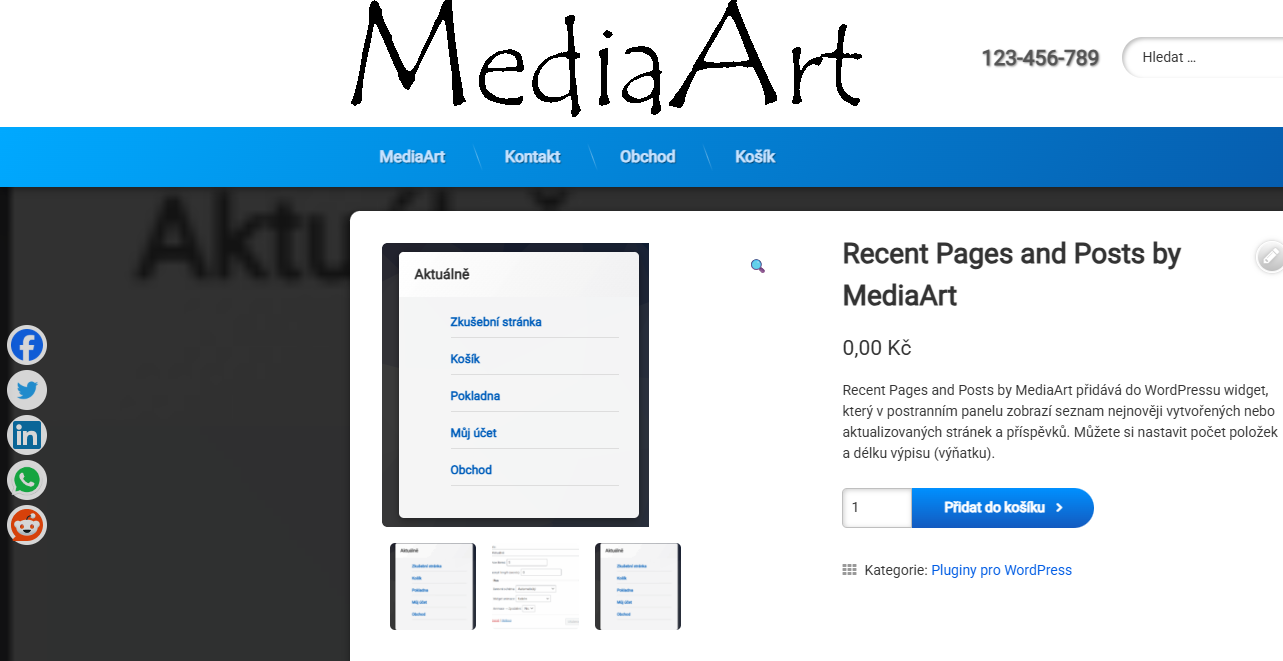
1. Example of floating share buttons.
2. Plugin settings page
== Changelog ==
= 2.0 =
* Minor fixes and improvements.
= 1.0.0 =
* Initial release.
== Upgrade Notice ==
= 2.0 =
Minor fixes and improvements.


Recenze
Zatím zde nejsou žádné recenze.